What you bought with your Apple ID stays yours — even after the app is pulled from the store. iVerni finds those apps on your iPhone and puts them back: plug in the cable, press one button, and a couple of minutes later they are there.
macOS 14 or later · 23 MB · first 6 restores free
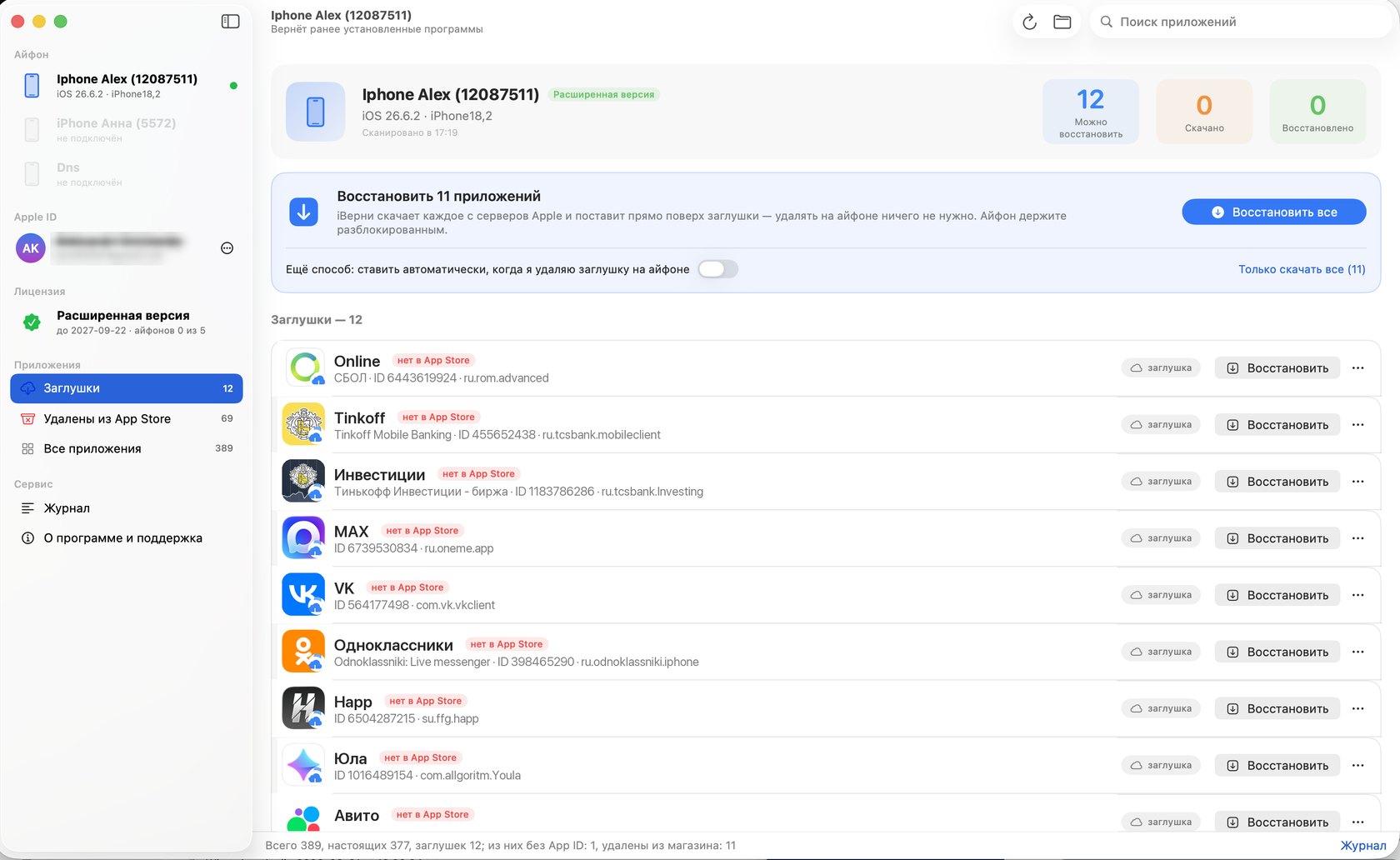
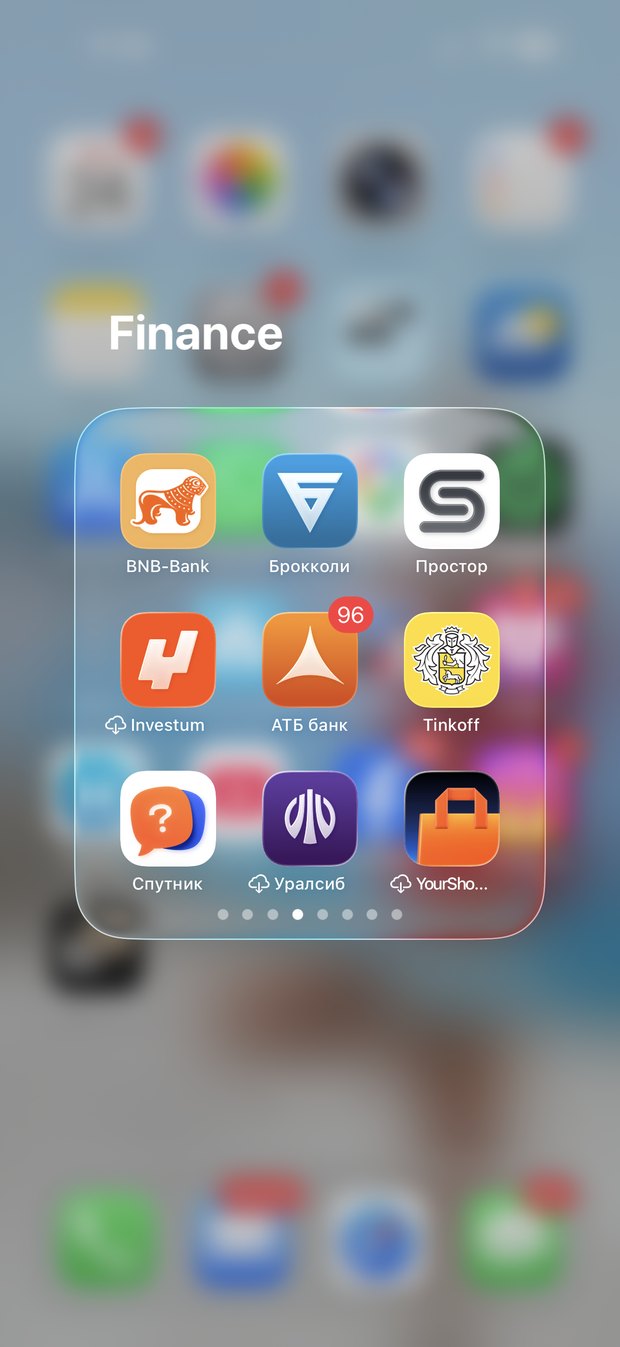
Some icons came over faded, with a little cloud on them. Tap one and you get “App no longer available” instead of the app. It happens with banking apps, with anything the developer removed, and with plain old purchases.
The App Store will not help: what is not in the store does not exist for it. Apple, however, still keeps your copy — and hands it to whoever owns the purchase.
iVerni fetches exactly that copy and installs it right over the faded icon. Nothing to delete, nothing to hunt down by hand.
Fast, simple and clear — exactly what a move to a new iPhone calls for.
Plug the iPhone in and press one button. Nothing to configure, nothing to delete on the phone, nothing to look up by hand: the app finds the device, builds the list and puts the apps back.
The list is ready in seconds and an app is back on the phone in a minute or two. No backup required — no disk space, no hour of waiting before you can even start.
Every row carries an honest label — gone from the App Store, bought with another account — plus download progress in per cent and counters at the top. If something fails, the reason is in plain words, not an error code.
“Restore everything” walks the whole list on its own. Or press the button on a single row and only that app comes back.
Connect them in turn: the app recognises each device and warns you when it belongs to a different Apple ID. Family purchases are often scattered across accounts — switch in one click.
No configuration profiles on the iPhone, no background services, no Keychain entries. Changed your mind? Drag the app to the Trash.
From plugging in the cable to a working app — a couple of minutes.
By cable, unlocked, and tap “Trust”. The app finds the device on its own and shows the list.
The one the apps were bought with. Your password goes straight to Apple's servers, and the two-factor code is entered right there.
The rest is automatic: your copy is downloaded and installed onto the iPhone, over the placeholder.
You will need: a Mac running macOS 14 or later, a cable, and the Apple ID the apps were bought with.
Typing your Apple ID password into someone else's app is a fair reason to pause. Here is what actually happens.
It does not download other people's purchases and it does not get around paying: Apple only hands over what your account already owns.
It does not read your messages, photos or notes — it has no need for them and no access to them.
It does not send us your app names, your Apple ID or your device names.
Try it for free first — pay only if it actually did the job.
Pay from inside the app and the limit lifts by itself, right after payment — nothing to type in. The key still arrives by email: you will need it after a reinstall or on another Mac. Payments go through Stripe — your card details never reach us.
Being pulled ends the sale to new customers; it does not undo purchases already made. Apple still has the record that the app belongs to your account, and still hands that copy to its owner on request — which is exactly what iVerni asks for, the same way your iPhone would.
Yes. It only ever touches your own purchases on your own devices. Other people's apps are out of reach: Apple releases a file only to the Apple ID it is tied to.
No. The iPhone is left untouched — no profiles, no services, nothing added to it.
Yes, it is being built. Drop us a line at support@iverni.me and we will tell you when it ships.
Download it, plug the phone in and look at the list — it costs nothing and commits you to nothing.
 iВерни